Post-Purchase Setup Emails for Electronics: Reducing Returns and Building Long-Term Loyalty
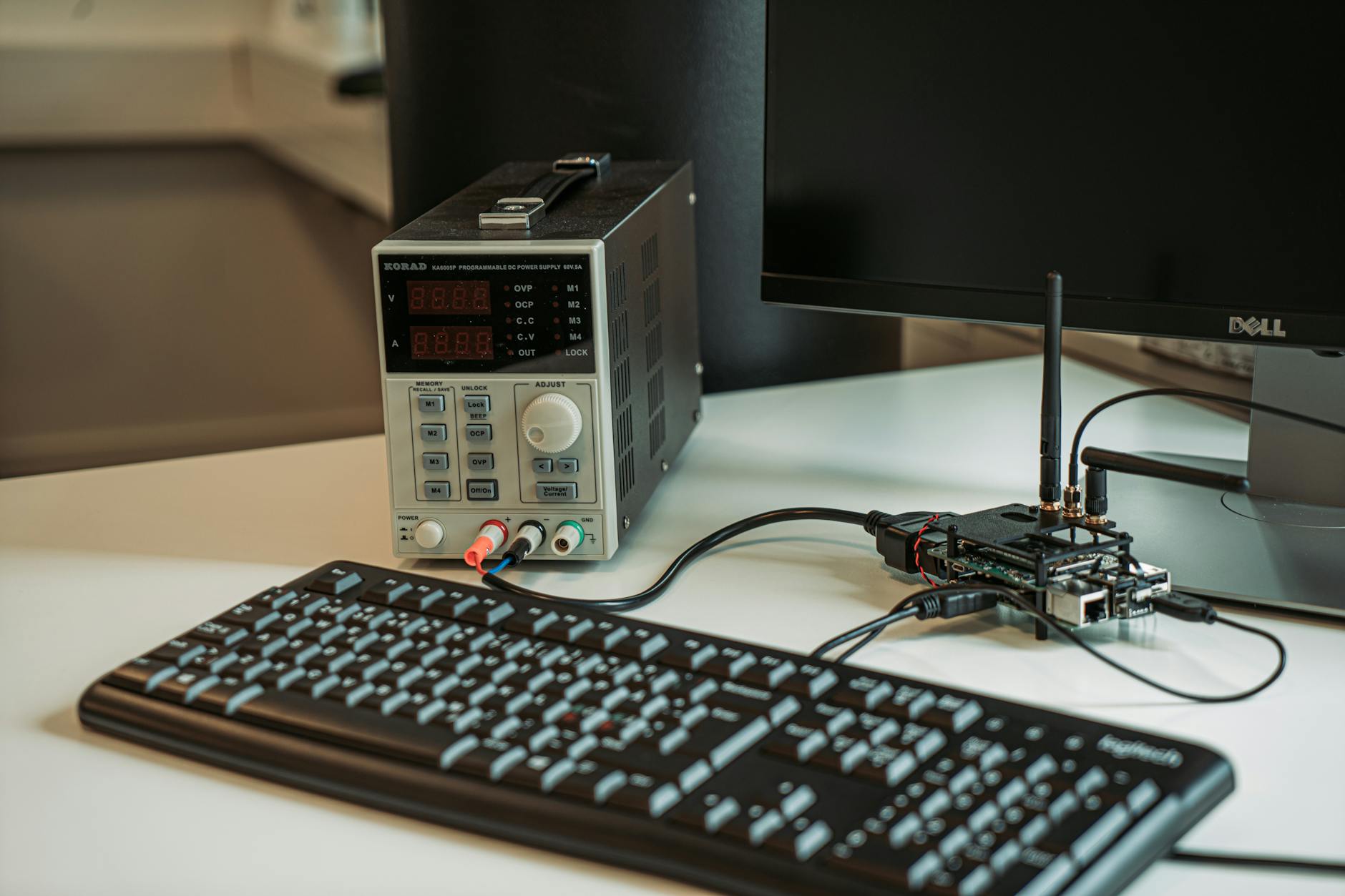
The return rate for consumer electronics hovers around 12–20%, with “too complicated to set up” and “doesn’t work as expected” among the most common reasons. These returns are largely preventable—and the tool that prevents most of them isn’t better packaging or a longer manual. It’s a well-timed, well-written email sequence that guides customers through setup and feature discovery before frustration sets in.
Post-purchase emails for electronics serve three goals: reduce returns, accelerate first-time product success, and create the kind of customer experience that generates reviews, referrals, and repeat purchases. Done right, this sequence is one of the highest-ROI automations an electronics brand can run.
Why Electronics Post-Purchase Email Is Different
Most ecommerce post-purchase flows focus on cross-sell and upsell: “Thanks for your order. You might also like these products.” For electronics, that approach is premature and often counterproductive.
A customer who just bought a new device is not in “buy more things” mode. They’re in “I hope this works” mode. They have a box sitting on their desk. They’re slightly anxious about whether they made the right decision. They want to feel confident they know what to do next.
Your post-purchase email sequence needs to meet that emotional and functional need first. Build confidence. Guide setup. Show them what “success with this product” looks like. Once they’re set up, successful, and happy—that’s when you introduce accessories, upgrades, and referral asks.
The Post-Purchase Email Sequence: Full Framework
Email 1: Order Confirmation + Setup Preview (Immediate Post-Purchase)
This email doubles as your standard order confirmation and your first setup communication. The order confirmation part is expected. The setup preview is what differentiates you.
Subject line: “Your [Product Name] is on its way — what to do when it arrives”
Content:
- Order confirmation details (order number, shipping estimate, tracking link when available)
- A “what to expect when your box arrives” section with 3–4 steps: what’s in the box, the first thing to do, the one setup tip that saves most customers time
- A link to your setup guide or app download (critical for connected devices)
Setting up expectations before the product arrives reduces day-one confusion and the “what do I do first?” paralysis that drives early returns.
Email 2: Shipping Notification + Unboxing Prep (When Shipped)
Subject line: “[Product Name] is on its way — get ready to set it up”
Content:
- Tracking information
- A brief “before you unbox” checklist: download the companion app, have your WiFi password ready, clear a workspace (for larger devices), charge your device overnight if applicable
- Link to the quick-start video (if available)
This email primes the customer for a smooth setup experience before the package even arrives. Customers who feel prepared set up products more successfully and return them less often.
Email 3: Day 1 Setup Guide Email (Day After Estimated Delivery)
This is the most critical email in the sequence. Send it timed to arrive the morning after estimated delivery.
Subject line: “[Product Name] arrived? Here’s how to get started in 10 minutes”
Content:
- Step-by-step setup guide with screenshots or GIF animations (where email rendering supports it)
- Video link: a 2–3 minute setup walkthrough hosted on YouTube or your website
- The three most common setup questions and answers
- Direct link to customer support: “Stuck? Our team is ready to help — [link to live chat, phone, or email support]”
Making support feel accessible reduces the frustration spiral that ends in a return. A customer who is slightly stuck and sees “Chat with us now” is far less likely to box up the product than one who feels alone with their problem.
Email 4: Feature Discovery Email (Days 5–7)
By day 5–7, most customers have successfully set up their product and are using basic features. This email opens the door to the features most people never discover—the ones that turn a satisfied customer into an enthusiastic advocate.
Subject line: “3 things your [Product Name] can do that most people don’t know about”
Content format:
Structure this as a simple numbered list or feature spotlight:
- [Feature Name]: What it does, how to access it, why it’s useful
- [Feature Name]: What it does, how to access it, why it’s useful
- [Feature Name]: What it does, how to access it, why it’s useful
Each feature should have a 2–3 sentence description and a direct link to the relevant section of your app, settings page, or online guide. If you have a YouTube channel, link to a feature-specific short video.
Choose features that are genuinely delightful and underutilized—not basic capabilities they’ve already found. The goal is the “I didn’t know it could do that!” moment that deepens product attachment.
Email 5: Review Request + Social Share (Days 14–21)
After 2–3 weeks, most customers have formed a stable opinion of their product. This is the ideal window for a review request.
Subject line: “How is your [Product Name] treating you?”
Content:
- Brief personal message acknowledging they’ve had the product for a couple of weeks
- A direct ask for a review with a single link: “If you have 2 minutes, we’d love your honest feedback.” Link directly to the review submission page (Amazon, Google, your own site—wherever reviews matter most for your business)
- A secondary CTA for social sharing: “Loving it? Tag us at [@handle] and we’ll share your setup.”
Timing matters here. Sending a review request at day 3 (before the customer has fully used the product) generates few responses. Day 14–21 hits the window when sentiment is high and usage familiarity is established.
Email 6: Accessory Cross-Sell Email (Days 21–28)
This is the first email in the sequence that has a commercial ask beyond the initial purchase. By day 21, customers are set up, successfully using their product, and emotionally invested in it. That’s the right moment to introduce accessories.
Subject line: “Take your [Product Name] further — top accessories from [Brand]“
Content approach:
- Open with a product-benefit framing: “Now that you’ve experienced [key benefit], these accessories help you [extend that benefit]”
- Feature 2–3 accessories with a brief description of each and a clear “add to your setup” CTA
- Position accessories as tools that enhance an experience they’re already enjoying—not upsells they don’t need
For connected devices, this email might introduce a charging dock, protective case, or companion device. For audio products, it might introduce replacement ear tips, a carrying case, or a second unit for a different room. The key is relevance to the specific product purchased.
Email 7: Warranty Registration Prompt (Days 14–30)
If warranty registration isn’t automatic (tied to account creation at purchase), a dedicated prompt is essential. Unregistered products generate higher return and dispute rates and miss the retention opportunity that warranty data provides.
Subject line: “Register your [Product Name] to activate your warranty”
Content:
- Clear instruction: what registration requires, how long it takes (2 minutes)
- What registration unlocks: full warranty coverage, product update notifications, priority support
- Direct link to the registration form
Customers who register their products have a 40–60% higher LTV than unregistered purchasers across most electronics categories. Registration converts casual buyers into identifiable customers you can communicate with throughout the product lifecycle.
Reducing Returns: What the Best Electronics Brands Do Differently
Return reduction is a measurable outcome of a well-run post-purchase sequence. Here’s how top-performing electronics brands use email to move the needle:
Preempt the Top Return Reasons
Review your return data. The top 3–5 reasons customers return a specific product are almost always knowable from your support tickets and return request forms. Build that information directly into your email sequence.
If 22% of returns cite “difficulty pairing with [device type],” your Day 1 setup email should include a dedicated step for that pairing process with a GIF or video. If 15% of returns cite “wasn’t loud enough,” your feature discovery email should cover the audio settings and EQ options.
The best post-purchase email sequences are built backwards from return data.
The “Before You Return” Email
For customers who open a return request or contact support with a negative signal, trigger a dedicated retention email before the return is processed.
Subject line: “Before you send [Product Name] back — can we help you fix it?”
Content:
- Acknowledge the frustration without being defensive
- Offer a direct line to a specialist who can troubleshoot: “Our product specialists have resolved [X]% of [common issue] situations in one call”
- Offer a concessions option if the issue is minor but the customer feels dissatisfied: replacement, discount on a future order, or an accessory as a goodwill gesture
This email won’t save every return, but it will save a meaningful percentage—and every prevented return is full product revenue retained.
Measuring Post-Purchase Email Performance
Track these specific metrics for your electronics post-purchase sequence:
- 30-day return rate by email engagement: Do customers who open the setup guide email return products less often? (They almost always do.)
- Feature discovery click rate: How many customers click through to learn about advanced features? Low rates indicate either poor email content or a product education gap worth addressing.
- Review conversion rate: Percentage of email recipients who submit a review. Anything above 8–12% is strong for electronics.
- Accessory attach rate from email: Revenue from accessory cross-sell emails as a percentage of initial purchase revenue.
- Warranty registration rate from email: Tracks whether the registration prompt is working and identifies the gap in your customer data.
The post-purchase experience is your highest-leverage retention investment. Every email in this sequence has a direct, measurable impact on return rates, review volume, customer lifetime value, and repeat purchase rate. And unlike paid acquisition, this is an owned asset that compounds with every new order.
Related Excelohunt Services
Looking to implement these strategies with expert support?
- Email Automations — learn how we implement this for clients Get a free audit of your post-purchase email sequence →
If your current post-purchase flow is a generic thank-you email and an abandoned cross-sell, you’re leaving significant margin on the table—and probably losing customers who would have stayed with a better onboarding experience.
More in Strategy
- Best Email Marketing Agencies for Small DTC Brands ($40k+/mo)
- Best Email & SMS Marketing Agencies for Ecommerce (2026)
- Chronos Agency Alternatives for $40k–$500k/mo DTC Brands
- Chronos Agency Pricing Explained: Is the $10k Minimum Worth It?
- Chronos Agency vs InboxArmy: Which Is Better for DTC Email?


