Spare Parts and Reorder Email Campaigns for Manufacturers: Never Miss a Maintenance Cycle Again
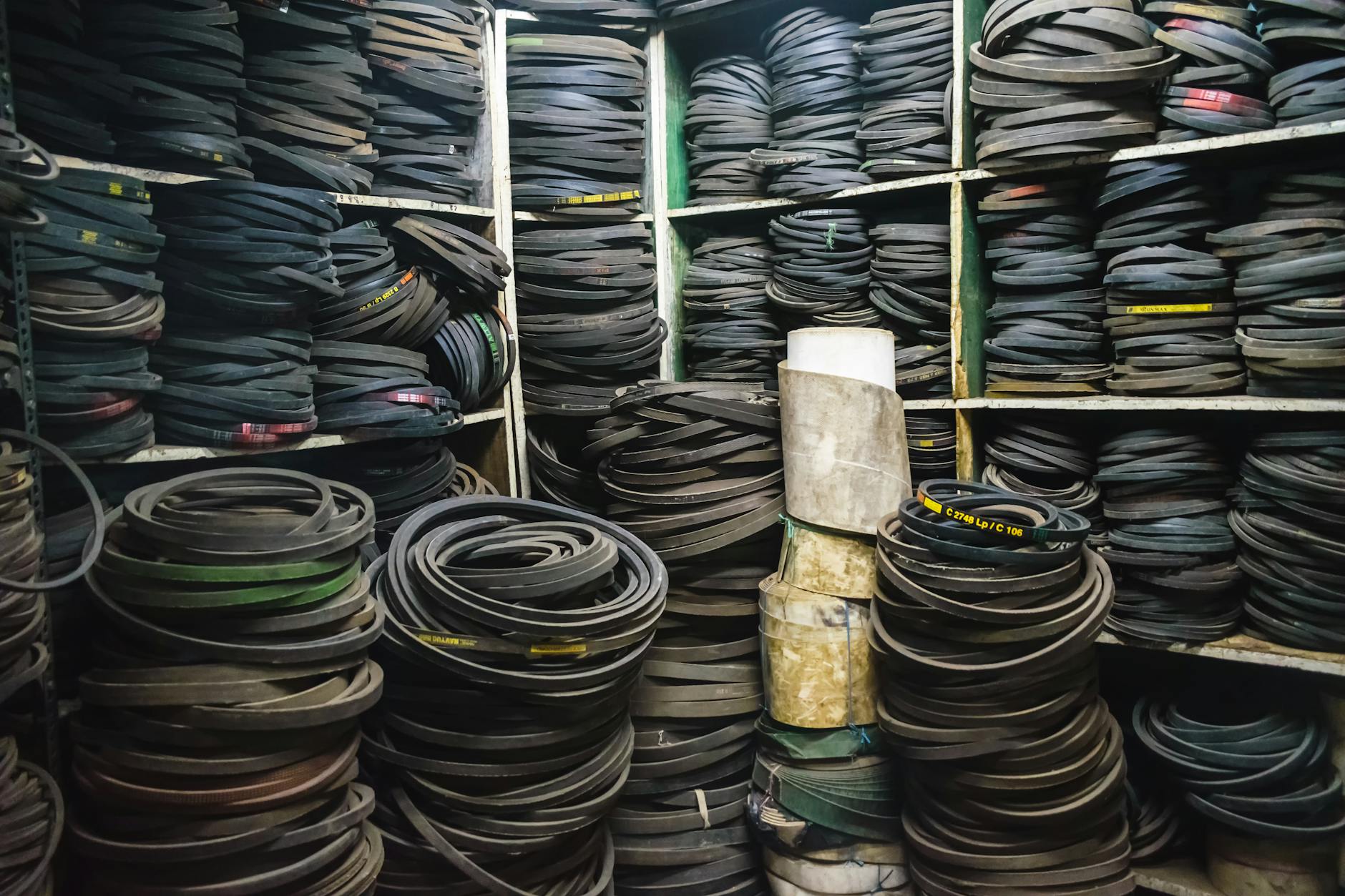
The sale doesn’t end when the purchase order is fulfilled. For manufacturers, some of the most valuable—and most predictable—revenue comes after the initial sale: spare parts, consumables, maintenance kits, extended service contracts, and replacement components. These reorder opportunities follow known cycles, which means they’re perfectly suited to automated email campaigns.
Yet most manufacturers leave this revenue to chance. A customer runs low on a critical component. They search online, find a cheaper distributor, and order there. Or they wait until something breaks, causing costly downtime—and they blame your product. Both outcomes are bad for your business and your customer relationship.
A systematic reorder and maintenance email program ensures your customers never have to think about reordering. The reminder arrives before they need it. The ordering process is frictionless. And your brand is the one that prevented the problem.
The Revenue Opportunity in Post-Sale Email Automation
Consider the lifecycle value of a piece of industrial equipment. A manufacturer sells a piece of machinery for $25,000. That same machine requires:
- Annual maintenance kits: $1,200
- Consumable parts (filters, seals, belts) replaced every 6 months: $800
- Major service component replacements every 3 years: $4,500
- Extended service contract: $2,500/year
Over a 10-year product lifecycle, the post-sale revenue potential is $40,000–$50,000 per installed unit—often 1.5–2x the original sale price. A systematic email program that captures even 40–50% more of that reorder business pays for itself many times over.
The Foundation: Purchase-Triggered Reorder Flows
The most reliable reorder emails are triggered automatically based on purchase date and product type. When a customer buys a product with a known consumable cycle, set a time-based flow in your CRM or email platform to fire at the appropriate interval.
How to Build a Purchase-Triggered Reorder Flow
Step 1: Map product purchase-to-reorder windows
For every product or product category you sell, identify:
- Average time to reorder (based on warranty registration data, service records, or customer interviews)
- Key replacement components or consumables
- Usage-based triggers if available (hours of operation, production cycles)
Create a product-reorder matrix that your email system references when scheduling automated flows.
Step 2: Configure the trigger sequence
For a product with a 90-day consumable cycle:
- Day 60: Reminder email (30 days before projected need)
- Day 75: Follow-up email if no action taken
- Day 85: Urgency email with easy reorder link
- Day 95: Post-cycle check-in (if still no order placed)
Step 3: Pre-populate the order for the customer
Make reordering as effortless as possible. Your email should include:
- The specific part number they previously ordered
- Quantity recommendation based on their typical order
- A direct “Reorder Now” link that pre-fills their cart or triggers a quote request
- Contact for the account manager or inside sales rep if they have questions
The harder you make it to reorder, the more customers drift to alternatives. The easier you make it, the higher your reorder capture rate.
Email 1: The Planned Maintenance Reminder
This is the most valuable email in your post-sale arsenal for capital equipment manufacturers. Planned maintenance reminders arrive before the customer has a problem—positioning your brand as a proactive partner, not a reactive vendor.
Sample Maintenance Reminder Email
Subject line: “[Machine/Product Name] maintenance due in 30 days — here’s your kit”
Email body:
Hi [First Name],
Based on your [Product Name] purchase in [Month/Year], your scheduled maintenance window is coming up in approximately 30 days.
To keep your [product] operating at spec, we recommend completing the following during this service interval:
- Replace [Component A] — Order No. [Part Number]
- Inspect and replace if needed: [Component B] — Order No. [Part Number]
- Apply [Lubricant/Fluid type] to [Point] — Order No. [Part Number]
Order your maintenance kit now and receive shipping in [X] business days.
[REORDER MAINTENANCE KIT — $XXX]
Need help? Contact your service rep at [Name, phone, email] or download the [Machine Name] maintenance guide here.
Best, [Company Name] Customer Success Team
This email does several things at once: it reminds the customer, pre-selects the parts, reduces the friction of figuring out what to order, and positions your company as the expert on their specific equipment.
Subject Line Variations to Test
- “[Equipment Name] is due for its [Interval] service — schedule now”
- “Don’t let maintenance wait: your [Product] kit ships in 2 days”
- “Planned maintenance alert: [Machine Name] — [Month] service window”
- “Avoid downtime: maintenance reminder for your [Product Name]“
Email 2: Consumable Replenishment Flow
Consumables—filters, seals, cutting tools, lubricants, adhesives, fasteners—are often the highest-margin, highest-frequency purchases in a manufacturer’s catalog. They’re also the category most at risk of customer defection to third-party suppliers.
Building a Consumable Replenishment Sequence
Trigger: Purchase of a product category with associated consumables.
Flow timing (example for a 6-month filter cycle):
- Day 150: “Your [Filter Type] replacement is coming up” — first reminder
- Day 165: “Have you scheduled your [Filter] replacement?” — follow-up
- Day 175: “OEM vs. third-party [consumable]: what you need to know” — educational/retention
- Day 185: “Order now and receive in time for your service window” — urgency
Day 175 educational email is worth expanding on. Many customers defect to cheaper third-party consumables because they don’t understand the performance or warranty implications. A brief, non-pushy email covering the real cost of third-party alternatives—compatibility issues, voided warranties, reduced efficiency, shorter service life—retains customers who would otherwise switch on price alone.
Subject line: “OEM vs. aftermarket [Part]: what the cost comparison misses”
This type of content email reduces competitive defection without being overtly promotional. It informs rather than sells.
Email 3: Cross-Sell Spare Parts After Initial Purchase
The moment immediately following a large equipment purchase is one of your best opportunities to introduce the spare parts ecosystem. Most customers don’t think about spare parts at purchase time—but they should.
The Post-Purchase Spare Parts Introduction
Send timing: 7–14 days after purchase/delivery confirmation
Subject line: “Your [Product Name] is on its way — spare parts you’ll want to have on hand”
Content approach:
“Welcome to [Product Family]. Your [Product Name] is designed for [X] years of dependable service with proper maintenance.
Based on customer experience, these are the most commonly needed spare parts for the first year of operation. Many customers keep these on hand to avoid any delays in production:
- [Part 1] — [Description, Part Number] — commonly replaced at [interval]
- [Part 2] — [Description, Part Number] — recommended to stock [quantity]
- [Part 3] — [Description, Part Number] — critical spare for [scenario]
Order your initial spare parts inventory now with your equipment order and save on shipping.”
Include a bundle option or a “starter kit” SKU that packages the most common first-year spare parts at a slight discount versus individual ordering. Bundles increase average order value and ensure the customer has what they need on-site.
Email 4: Contract Renewal Campaigns
Extended service contracts and maintenance agreements represent high-margin recurring revenue for many manufacturers. But they only renew if you remind customers at the right time with the right message.
Contract Renewal Email Sequence (90-Day Window)
Email 1 (90 days before expiration):
Subject: “Your [Product Name] service agreement expires in 90 days — here’s what’s included in renewal”
Lead with the value delivered during the current contract period: number of service calls made, parts covered, response time metrics. Remind them what protection they’ve had, so the renewal feels like maintaining a good thing—not an upsell.
Email 2 (60 days before expiration):
Subject: “Renew your [Product] service agreement now — lock in your current rate”
Introduce pricing urgency: rates may increase after renewal. If you offer multi-year renewal pricing, highlight the savings. Include a direct link to the renewal form or a CTA to contact their account manager.
Email 3 (30 days before expiration):
Subject: “30 days left on your [Product] coverage — don’t let it lapse”
Address the “I’ll handle it later” tendency. Describe briefly what happens if coverage lapses: higher out-of-pocket service call rates, parts not covered, longer response times. Make the cost of not renewing concrete and visible.
Email 4 (7 days before expiration):
Subject: “Final reminder: your [Product Name] coverage expires [Date]”
Short, urgent, direct. Link directly to renewal. Include the account manager’s direct number. Make this the easiest possible yes.
Email 5 (Post-expiration, if not renewed):
Subject: “Your coverage lapsed — here’s how to reinstate it”
Not all customers renew before expiration. This email makes reinstatement frictionless. If you charge a reinstatement fee, disclose it clearly but don’t lead with it—lead with the value of reinstating.
Segmenting Reorder Campaigns by Equipment Age
Equipment behavior changes over time. A 1-year-old machine needs different parts and communication than a 7-year-old machine approaching end of standard service life.
Years 1–2 (Early ownership): Focus on consumables, preventive maintenance, and spare parts stocking. Goal is habit formation and establishing your company as the primary source.
Years 3–5 (Mid-life): Introduce extended service agreements and component inspection campaigns. Flag aging components that should be evaluated. Offer proactive replacement kits.
Years 6–8 (Late life): Shift the conversation toward reliability and uptime. Introduce upgrade path messaging: “Your [Product Name] has been a reliable part of your operation. Here’s how the [New Model] compares.” Plant the seed for equipment replacement while continuing to support their current asset.
Years 9+ (End of standard support): Critical communication about end-of-support timelines, final spare parts availability, and transition planning. Customers who know parts are being discontinued will stock up. Customers who don’t may be surprised by a critical failure with no remedy.
Measuring Reorder Email Performance
Beyond standard email metrics, track these specific KPIs for your reorder program:
- Reorder capture rate: Percentage of time-triggered reorder opportunities that result in a purchase within 14 days of the reminder email
- Spare parts revenue per installed unit: Track whether email-engaged customers spend more on spare parts and consumables than non-engaged customers
- Contract renewal rate by email engagement: Compare renewal rates for customers who opened renewal sequence emails vs. those who didn’t
- Days-to-reorder from email trigger: Are customers ordering earlier in the cycle (a sign of habit formation) or closer to the deadline (still reactive)?
Every day your customers spend without an automated reorder and maintenance reminder system is a day you’re competing on luck instead of strategy. Your competitors are happy to capture that reorder revenue if you don’t.
Related Excelohunt Services
Looking to implement these strategies with expert support?
- Email Automations — learn how we implement this for clients Get a free audit of your post-sale email program →
The parts revenue is already there. The question is whether your email program is capturing it or leaving it on the table.
More in Strategy
- Best Email Marketing Agencies for Small DTC Brands ($40k+/mo)
- Best Email & SMS Marketing Agencies for Ecommerce (2026)
- Chronos Agency Alternatives for $40k–$500k/mo DTC Brands
- Chronos Agency Pricing Explained: Is the $10k Minimum Worth It?
- Chronos Agency vs InboxArmy: Which Is Better for DTC Email?


