Volunteer Engagement Email Strategy: How Nonprofits Turn One-Time Helpers Into Long-Term Advocates
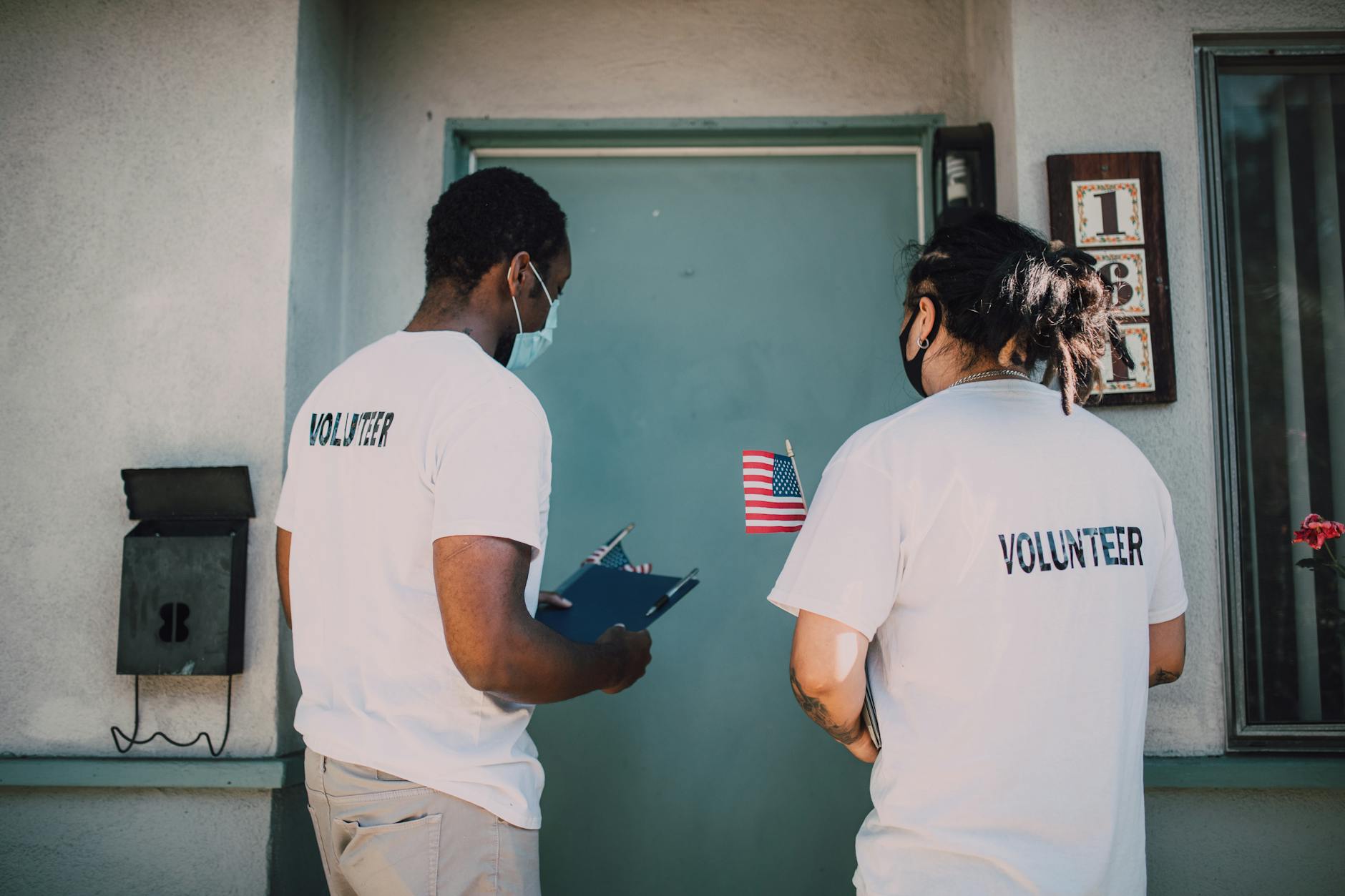
Volunteers are among a nonprofit’s most valuable assets — yet most organisations treat volunteer communication as an operational task rather than a relationship-building opportunity. A new volunteer signs up, gets a confirmation email, shows up once, and then drifts away unless someone personally chases them.
The nonprofits that build strong volunteer programmes do something different: they use email to systematically nurture volunteers from first-time participants into long-term advocates, recurring contributors, and — often — donors.
This guide breaks down the complete email strategy for volunteer engagement, from onboarding through recognition and conversion.
The Volunteer Lifecycle: Where Email Fits
Before building flows, it helps to map out the volunteer journey. Most volunteers move through these stages:
- Sign-up: They register for a volunteer opportunity
- First experience: They complete their first session or event
- Early engagement: They return for a second or third opportunity
- Committed volunteer: They show up regularly and feel genuinely connected
- Advocate: They recruit other volunteers, promote the organisation, and give financially
Email cannot replace the quality of the volunteer experience itself. But it can dramatically accelerate movement through this funnel by ensuring volunteers feel informed, appreciated, and inspired between in-person touchpoints.
Flow 1: The Volunteer Onboarding Email Series
Email 1: The Confirmation and Welcome (Immediate)
The moment someone signs up to volunteer, they should receive a warm, human email that does three things: confirms the details of their first opportunity, expresses genuine gratitude, and starts building a sense of belonging.
Subject line examples:
- “You are officially part of the team, [First Name]”
- “Thank you for signing up — here is everything you need to know”
- “Welcome to [Organisation Name] — we are so glad you are here”
Include: the date, time, and location of their first volunteer session; practical logistics (what to wear, where to park, who to ask for); a brief, personal note about what they will be doing and why it matters.
Do not make this email feel like a form letter. Use the volunteer coordinator’s name in the sign-off. Add one sentence about what their role will actually accomplish.
Email 2: The Pre-Session Reminder (24–48 Hours Before)
A simple reminder email reduces no-shows dramatically. Keep it short and practical, but layer in a brief impact statement to re-energise their commitment.
Subject line examples:
- “See you tomorrow — quick reminder for your volunteer shift”
- “Your volunteer shift is tomorrow — here is what to expect”
Include: time, location, contact number for day-of questions, and one sentence of excitement about what they will be doing.
Email 3: The Post-Session Thank You (Within 24 Hours)
This is the most important email in the onboarding flow and the one most nonprofits either skip or handle generically. Within 24 hours of a volunteer’s first session, send a personal, specific thank-you.
Subject line examples:
- “Thank you for yesterday, [First Name] — here is what you made possible”
- “You showed up. Here is what that meant.”
- “Yesterday happened because of you — thank you”
Reference what they actually did. If they packed food boxes, tell them how many families will eat because of Saturday’s volunteers. If they tutored a student, share a brief note from a programme staff member. Make the connection between their hours and the mission tangible.
Close by inviting them to their next opportunity — with a soft, low-friction call to action rather than a hard ask.
Email 4: The Seven-Day Follow-Up
Seven days after their first session, send a follow-up that checks in, shares an update from the programme area they worked in, and makes it easy to schedule their next session.
Subject line examples:
- “It has been a week — and we wanted to share this update”
- “How are you doing, [First Name]? One update from the team”
- “Something happened this week that you helped make possible”
This email should feel conversational. Think of it as a note from a colleague, not a communication from an organisation.
Flow 2: The Ongoing Impact Update Sequence
For volunteers who have completed one or more sessions, a consistent impact update sequence is what converts occasional helpers into committed supporters. The goal is to keep volunteers connected to the mission between their sessions.
Monthly Volunteer Update Email
Send a monthly update specifically for volunteers. This is distinct from your general donor newsletter. It should speak to their experience on the ground.
Include:
- One story from the programme area your volunteers work in
- A stat or milestone that their collective effort contributed to
- An upcoming opportunity they can sign up for
- A brief personal note from a staff member or programme beneficiary
Subject line examples:
- “What happened in [Month] — and what is coming up”
- “A quick update from the team, [First Name]”
- “This month’s story from the field”
The Volunteer Milestone Email
When a volunteer reaches a time-based or hours-based milestone — their 5th session, 10 hours contributed, 6-month anniversary — send a personalised milestone recognition email.
Subject line examples:
- “You have been with us for 6 months — here is what that means”
- “[First Name], you just hit 20 volunteer hours”
- “A milestone worth celebrating, [First Name]”
Quantify their contribution: “You have now contributed 18 hours to [Programme]. In that time, [X outcome].” This email should feel like a personal letter, not an automated trigger — even when it is automated.
Flow 3: The Volunteer-to-Donor Conversion
Research consistently shows that volunteers are among the most likely candidates for financial donations. They already believe in your mission — they have proven it with their time. The question is whether you create a natural, respectful pathway from volunteering to giving.
The key word is “respectful.” The worst thing you can do is send a volunteer a generic donation ask that treats them like a cold prospect. The best volunteer-to-donor conversion emails acknowledge the relationship, honour the volunteer’s existing contribution, and frame financial giving as a complement to, not a replacement for, their time.
The First Donation Ask for Volunteers
Send this email after a volunteer has completed at least three sessions. It should be a standalone email — not buried in a newsletter — and it should feel personal.
Subject line examples:
- “You give us your time. Here is how some volunteers also give.”
- “A different kind of opportunity, [First Name]”
- “If you have ever wondered how else you could help…”
Frame: “You already know our work firsthand. Some of our most committed volunteers also support us financially — not instead of volunteering, but in addition to it. Here is what even a small monthly gift makes possible.”
Include: a specific, low-threshold monthly giving option (e.g., $10 or $15/month), a clear description of what that amount funds, and an easy donation link.
During Fundraising Campaigns
During year-end or major campaigns, include a special volunteer segment in your campaign emails. Acknowledge their volunteer history explicitly.
Subject line: “As someone who has given us your time — a special request for year-end”
This email can be more direct than a cold ask because of the established relationship. Reference their volunteer hours and the outcome of their work before making the financial ask.
Flow 4: The Recognition and Appreciation Email Series
Long-term volunteers do not stay because of the free t-shirts. They stay because they feel genuinely valued and connected to something larger than themselves. Email plays a critical role in sustaining that feeling.
The Annual Recognition Email
Once a year, send each active volunteer a personalised annual summary of their contributions.
Subject line examples:
- “Your year in numbers, [First Name]”
- “A year of your time — here is what it added up to”
- “2024 by the numbers — your contribution to [Organisation]”
Include: total hours contributed, number of sessions attended, a personalised estimate of the impact of their specific work, a heartfelt thank-you from the executive director or programme lead.
This email should feel like a gift — something they want to read and share, not a checkbox communication from your CRM.
The Volunteer Spotlight Email
With their permission, feature individual volunteers in a spotlight email sent to your broader volunteer and donor list. This creates social proof (showing that real people invest their time in your work), recognises the volunteer publicly, and builds community across your supporter base.
Subject line examples:
- “Meet [Volunteer Name]: the reason last month worked”
- “We want to introduce you to someone”
Keep these brief and personal. A photo, a short quote, and a two-paragraph story. Let the volunteer’s voice lead.
Volunteer Appreciation Week (or Day)
During National Volunteer Week (typically April in the US) or your organisation’s designated volunteer appreciation period, build a dedicated three-email sequence:
- Day 1: A collective thank-you to all volunteers
- Day 3: A specific impact recap of volunteer work from the past year
- Day 5: An invitation to deepen engagement — sign up for more shifts, refer a friend, or join a volunteer leadership committee
Segmenting Your Volunteer Email List
Not all volunteers are at the same stage of engagement. At minimum, segment your volunteer list into:
- New volunteers (0–2 sessions): Focus on onboarding, practical information, and early impact
- Active volunteers (3–10 sessions): Focus on deepening connection, milestone recognition, and community
- Committed volunteers (10+ sessions or 6+ months): Focus on leadership, advocacy, and donor conversion pathways
- Lapsed volunteers (no sessions in 90+ days): Send a re-engagement sequence — similar in structure to a lapsed donor win-back
The Re-Engagement Sequence for Lapsed Volunteers
Volunteers who stop showing up usually do so for life reasons, not because they stopped caring. A three-email re-engagement sequence can bring a significant percentage back.
Email 1 — The Check-In: “We have missed you, [First Name]” Email 2 — The Update: Share a meaningful update from the programme they worked in Email 3 — The Easy Return: Offer a no-commitment, low-barrier opportunity to come back
If they do not respond after three emails, move them to a low-frequency annual update list rather than removing them entirely.
Ready to Build a Volunteer Email System That Runs Itself?
The challenge with all of these flows is that without automation, they are impossible to execute consistently. A volunteer coordinator managing dozens of sign-ups, sessions, and follow-ups cannot manually send personalised milestone emails and post-session thank-you notes for every volunteer.
That is where done-for-you email automation makes the difference. Built correctly, these flows fire automatically based on volunteer actions and milestones — so every volunteer gets the right message at the right time, every time.
At Excelohunt, we design and implement volunteer engagement email systems for nonprofits that want to turn their volunteer base into a genuine growth engine.
Get your free email audit at excelohunt.com/free-audit and find out how your current volunteer communications stack up — and what is possible with a properly built automation system.
Related Excelohunt Services
Looking to implement these strategies with expert support?
- Email Automations — learn how we implement this for clients
More in Strategy
- Best Email Marketing Agencies for Small DTC Brands ($40k+/mo)
- Best Email & SMS Marketing Agencies for Ecommerce (2026)
- Chronos Agency Alternatives for $40k–$500k/mo DTC Brands
- Chronos Agency Pricing Explained: Is the $10k Minimum Worth It?
- Chronos Agency vs InboxArmy: Which Is Better for DTC Email?
Want Us to Implement This for Your Brand?
Get a free email audit and see exactly where you're losing revenue.
Get Your Free Audit

