Privy List Building: Turning Site Traffic Into Email Subscribers
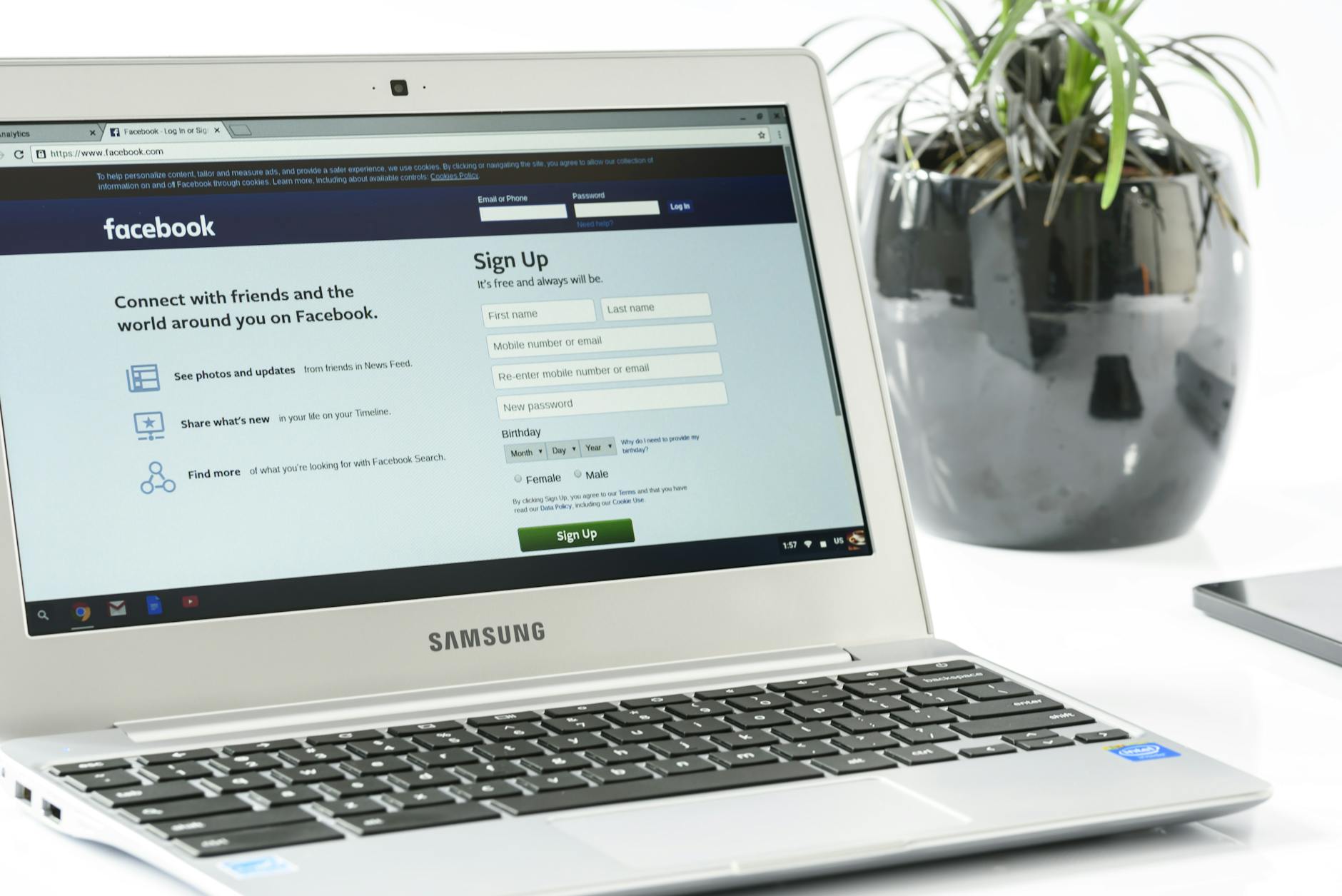
Every e-commerce brand is sitting on an undermonetised asset: their existing website traffic. Visitors who arrive at your store, browse your products, and leave without subscribing or buying represent a lost opportunity — but they are not entirely gone. A well-configured Privy list-building strategy converts a meaningful percentage of that traffic into email subscribers you can communicate with, nurture, and convert over time.
This guide walks through building a Privy list-building strategy from scratch — the offer hierarchy, the difference between embedded forms and popups, how to integrate Privy subscribers into Klaviyo or Omnisend, and what happens after capture.
Why Your List-Building Strategy Starts Before the Signup Form
Before touching Privy’s campaign builder, you need a clear answer to one question: why should someone give you their email address today?
This sounds obvious, but most brands answer it inadequately. “Sign up for our newsletter” is not an answer — it is a request with no visible benefit. “Sign up for 10% off your first order” is better, but it is also what every other Shopify store says.
A strong opt-in value proposition is specific, relevant, and feels like something your ideal customer would actually want. For a skincare brand: “Get a personalised routine — tell us your skin type and we’ll send your starter guide.” For a pet brand: “Get expert tips for [breed] owners — plus 15% off your first order.” For a fashion brand: “Be first to see new arrivals — plus early access to sales before they go public.”
The specificity of the benefit — not just a discount, but a discount plus something relevant to their interest — is what separates a 2% opt-in rate from a 5% one. Define your value proposition first; configure Privy second.
The Offer Hierarchy: First Visit vs Returning Visitors
A single opt-in offer for all visitors is a missed opportunity. Privy’s targeting rules allow you to show different campaigns to different visitor types, which means you can build a layered offer hierarchy that serves each visitor type with the most appropriate incentive.
First-Time Visitors
Your primary opt-in offer goes here. This is typically your strongest incentive — a discount code, free shipping, or a combination offer — because this visitor has no prior relationship with your brand and needs a compelling reason to share their email address.
Show this popup after 20–30 seconds on the page, or on exit intent, to visitors who are on their first session. First-visit conversion rates for well-configured popups typically run 3–6%.
Returning Visitors (Non-Subscribers)
A visitor who has been to your site two or more times but has not subscribed is showing clear interest but has not been convinced by your standard offer. Show them something different: a reminder with renewed urgency (“Your 10% discount is still available”), a different offer framing (free shipping instead of a percentage off), or a higher-value offer to break the inertia.
Returning non-subscriber targeting is one of the highest-ROI configurations in Privy. These visitors are warm — they know your brand, they have considered buying, and a slightly different offer or frame can be enough to convert them.
Existing Subscribers (Already on Your List)
Suppress all opt-in popups for existing subscribers. This is a basic configuration in Privy but is often overlooked. Showing acquisition popups to people who are already on your list is friction without purpose, and it signals a lack of coordination in your marketing stack.
In Privy, you can suppress popups for contacts who are already in your Privy contact list. If your list is primarily managed in Klaviyo or Omnisend, use cookie-based suppression or pass a parameter via your post-subscription confirmation page to prevent repeat popup impressions.
Embedded Forms vs Popups: Choosing the Right Format for Each Context
Privy supports two broad categories of signup forms: popups (displayed overlaid on page content) and embedded forms (displayed inline within the page). Each has different use cases and different conversion characteristics.
When to Use Popups
Popups are the highest-conversion format for initial list acquisition because they demand attention. Use them as your primary first-touch opt-in mechanism — exit intent popups on product pages, time-triggered modals on the homepage, flyout campaigns for returning visitors.
The trade-off is user experience. Aggressive popup configurations increase short-term opt-in rates but can increase bounce rates and reduce brand perception if they feel intrusive. Balance conversion rate optimisation against the browsing experience you want to create.
When to Use Embedded Forms
Embedded forms sit naturally within page content — in your website footer, in a dedicated “Join Our Community” section on your homepage, within blog posts, or on your About page. They do not interrupt the browsing experience; they invite participation.
Embedded forms convert at lower raw rates than popups, but the subscribers they capture are often self-selected, higher-intent, and more likely to remain engaged long-term. A visitor who scrolls to your footer and fills out a form was actively looking for a way to connect — a fundamentally different signal from a visitor who impulsively fills out an exit intent popup.
Build an embedded form in your website footer as a baseline capture mechanism that operates quietly alongside your popup strategy. It will not dramatically accelerate list growth, but it will capture engaged subscribers who your popups miss.
Product Page Embedded Forms
An often-overlooked embedded form placement is on product pages, particularly below the product description. A product-page form with copy like “Get notified when we launch new [product category] — plus 10% off your first order” contextualises the opt-in around the specific product the visitor is already interested in.
This placement converts at modest rates but produces extremely high-quality subscribers — people who are specifically interested in your product category, not just general deal hunters.
Integrating Privy With Klaviyo and Omnisend
Privy’s native functionality includes basic email tools (discussed in the companion guide to this one), but many brands use Privy purely for list building and pass subscribers into a dedicated email platform for all ongoing communication.
Privy + Klaviyo Integration
Privy integrates natively with Klaviyo. In your Privy campaign settings, under the “Follow-Up” tab, connect your Klaviyo account and select the Klaviyo list that new Privy subscribers should be added to.
When a subscriber enters via a specific Privy campaign, you can add them to a specific Klaviyo list, or pass a custom property that identifies which Privy form they came from. This is particularly valuable if you run multiple Privy campaigns with different offers — in Klaviyo, you can use the opt-in source property to trigger different welcome sequences based on the campaign that captured them.
For example: subscribers from your “Skincare Guide” Privy popup get added to a Klaviyo list and immediately enter a skincare-focused welcome flow. Subscribers from your general homepage popup enter a standard welcome series. The source data from Privy makes this routing possible.
Privy + Omnisend Integration
The Privy-Omnisend integration works similarly. Connect the platforms in Privy’s integration settings, select the Omnisend list to sync subscribers to, and optionally pass custom properties that identify the opt-in source.
In Omnisend, you can use the subscriber source property as a condition in automation triggers — routing subscribers into different welcome sequences based on how they opted in.
Double Opt-In Settings
Privy supports both single and double opt-in (DOI). For email, DOI is required in some jurisdictions (GDPR in the EU) and recommended for list quality in all markets. DOI subscribers have an extra friction point (confirming their email) that reduces raw list growth but significantly improves list quality and deliverability.
If you are building a list primarily for GDPR-regulated subscribers, enable double opt-in in Privy’s settings. For US-only audiences where deliverability quality is the primary concern, DOI is still recommended but not legally required.
Nurturing New Subscribers After Capture
Privy’s job is to capture the subscriber. What happens next — the welcome email, the nurture sequence, the ongoing communication — should be managed in your primary email platform (Klaviyo, Omnisend, or similar).
The most important thing to get right in the post-capture sequence is speed and offer delivery. A subscriber who fills out your popup and does not receive their discount code within 5 minutes has a degraded experience. The welcome email should fire automatically, immediately, through your email platform.
After the immediate welcome email, your nurture sequence should move through the standard welcome series framework: brand introduction at day 2, social proof at day 4, offer expiry urgency at day 7. Privy’s role in this sequence is limited to the initial capture — the ongoing relationship management belongs in your email platform.
The integration between Privy and your email platform needs to be tested thoroughly before you run any significant traffic through it. Create a test subscriber, verify they land in the correct Klaviyo or Omnisend list, confirm the welcome flow fires correctly, and check that any opt-in source properties are being passed and recorded as expected.
Measuring List Building Performance
The key metrics for evaluating your Privy list-building strategy: popup impression-to-conversion rate (target 3–6% for a well-configured popup), subscriber-to-buyer conversion rate within 30 days (target 5–15% depending on category), and list growth rate month over month.
If your impression-to-conversion rate is below 2%, the offer, headline, or targeting is wrong. If your subscriber-to-buyer conversion rate is below 3%, either the offer attracted the wrong subscribers (discount hunters who are not genuinely interested in your products) or your welcome sequence is not converting effectively.
At Excelohunt, we build Privy list-building strategies that work end to end — from popup design and offer structure through to integration setup and welcome sequence architecture. If your list is growing slowly or your new subscribers are not converting to buyers, we can diagnose and fix both problems.
Related Excelohunt Services
Looking to implement these strategies with expert support?
- Privy — learn how we implement this for clients
- Popup & Signup Forms — learn how we implement this for clients Get a free audit of your email list growth strategy →
More in Strategy
- Best Email Marketing Agencies for Small DTC Brands ($40k+/mo)
- Best Email & SMS Marketing Agencies for Ecommerce (2026)
- Chronos Agency Alternatives for $40k–$500k/mo DTC Brands
- Chronos Agency Pricing Explained: Is the $10k Minimum Worth It?
- Chronos Agency vs InboxArmy: Which Is Better for DTC Email?


